Do treści strony

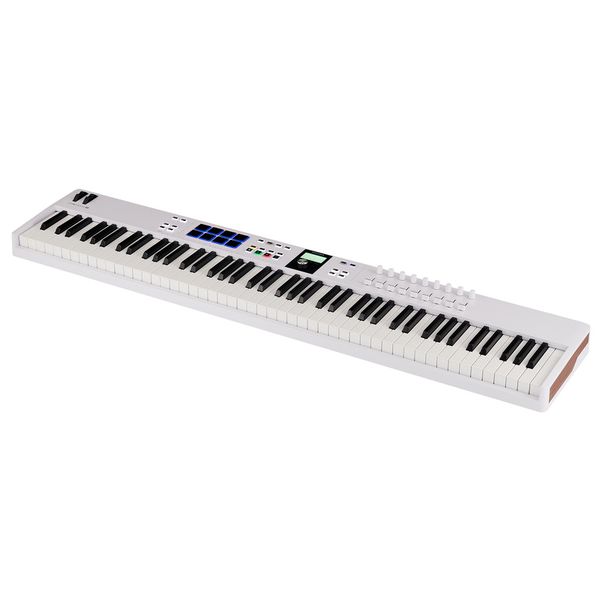
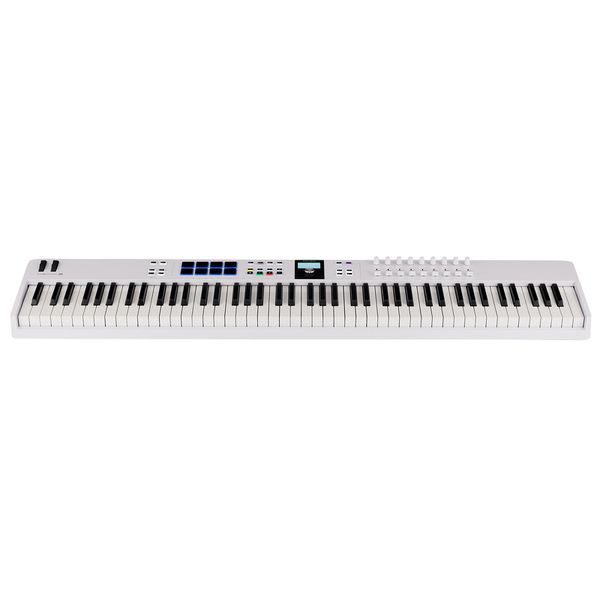
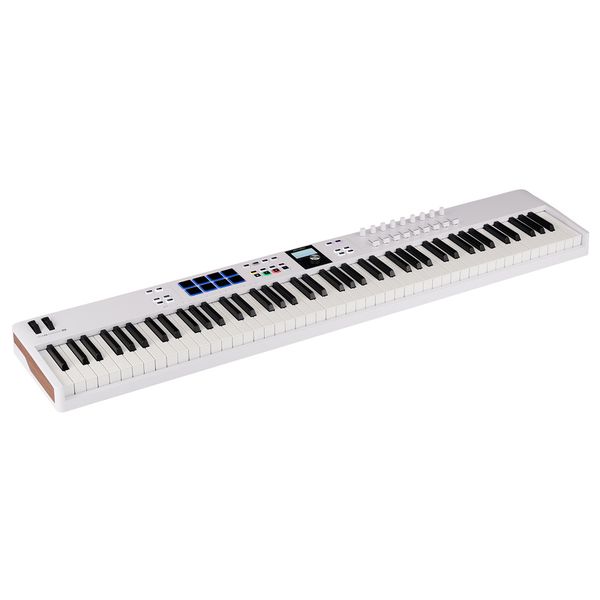
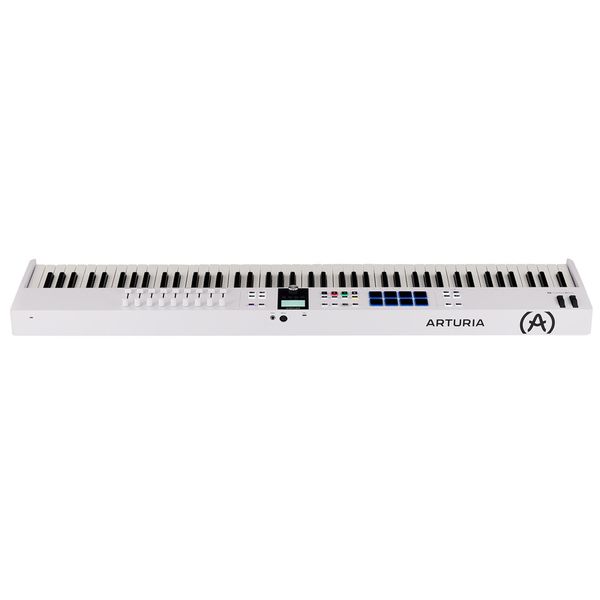
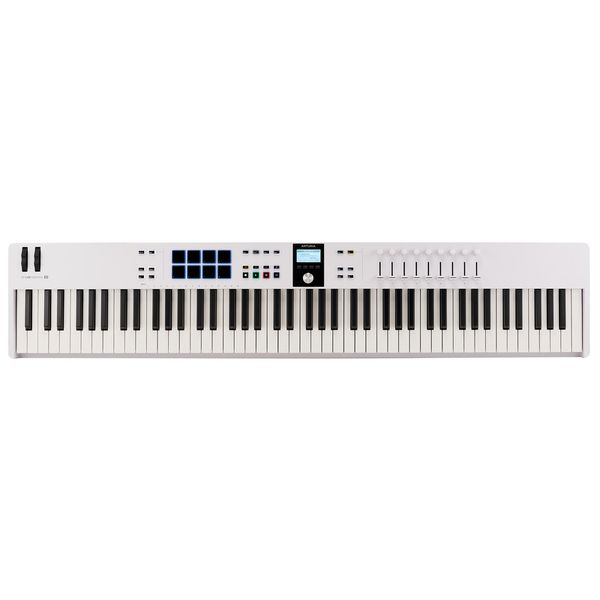
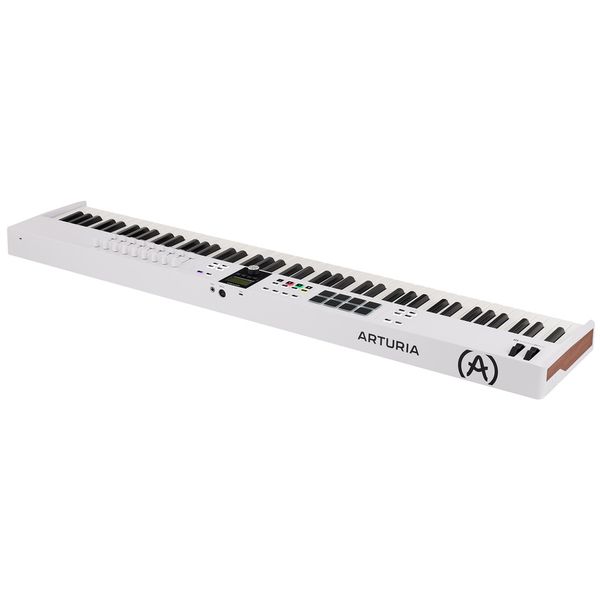
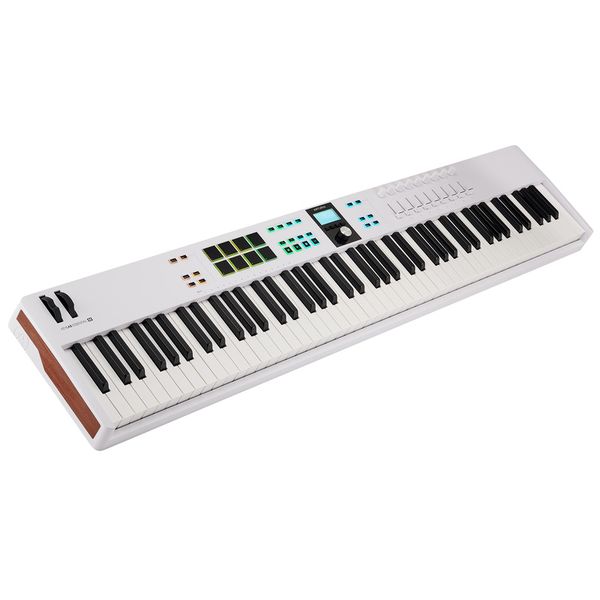
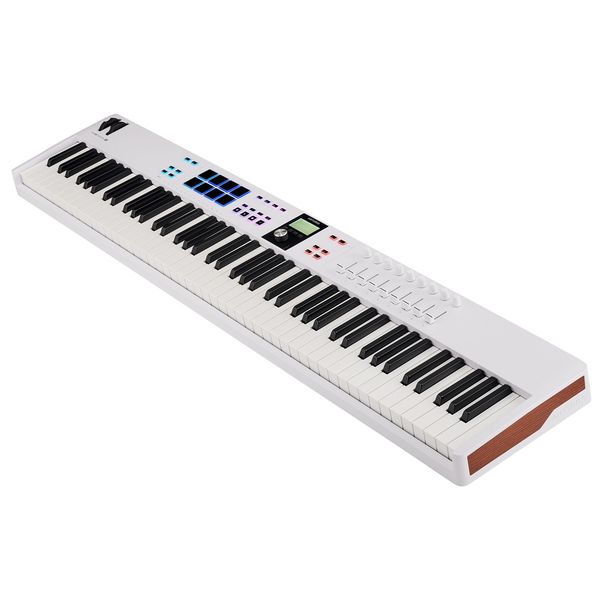
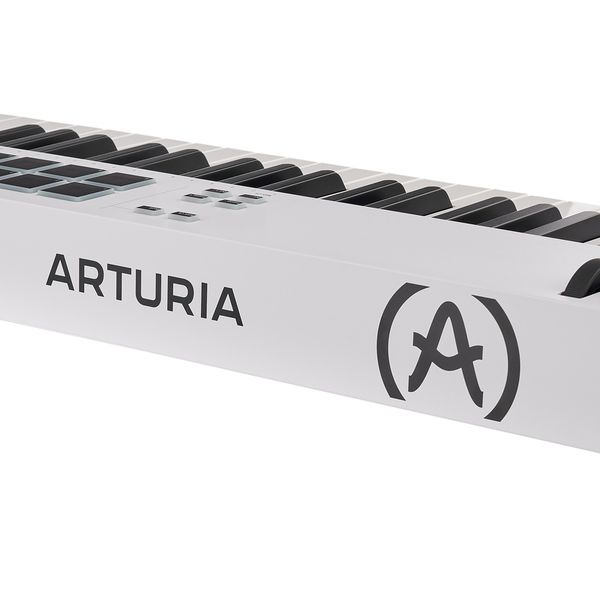
Arturia KeyLab Essential 88 mk3 White

4.9 na 5 gwiazdek z 17 ocen klientów

Keyboard MIDI USB

  • 88 dynamicznych klawiszy
  • 8 padów dynamicznych z Aftertouch
  • 1 blokowany enkoder
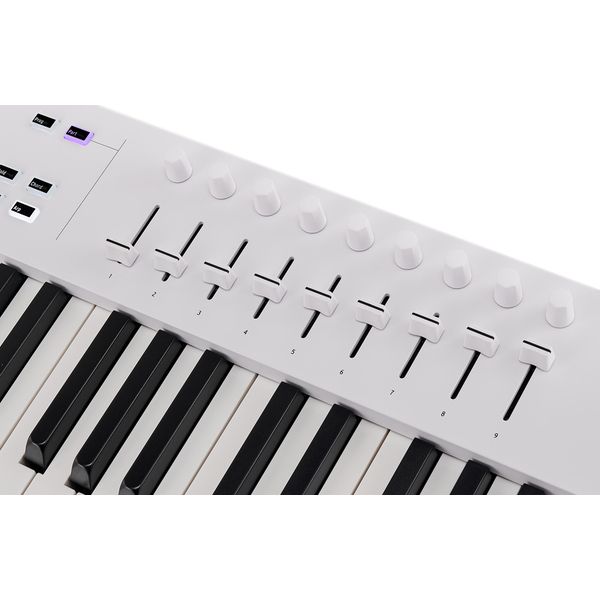
  • 9 pokręteł
  • 9 suwaków (30 mm)
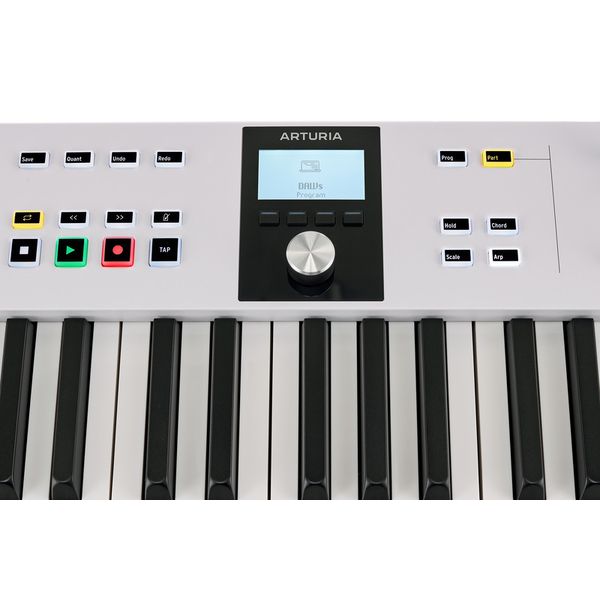
  • Sekcja transportu
  • Wyświetlacz LCD 2,5 cala
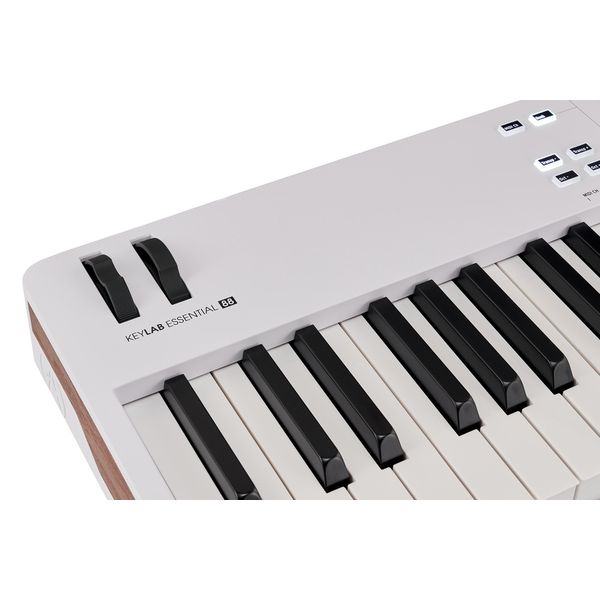
  • Koło pitchbend i kółko modulacji
  • Tryb Scale
  • Tryb Chord Play
  • Arpeggiator
  • Kompatybilny z Mackie/HUI Control
  • Płynna integracja z Analog Lab (nie jest częścią oferty)
  • Port USB (Class Compliant)
  • Obsługa NKS dla bezpośredniej kontroli ponad 2000 instrumentów i efektów kompatybilnych z NKS
  • W tym darmowy zestaw Native Instruments Komplete 15 Select Pakiet dla wybranego gatunku, umożliwiający natychmiastowe przetestowanie i korzystanie z funkcji NKS
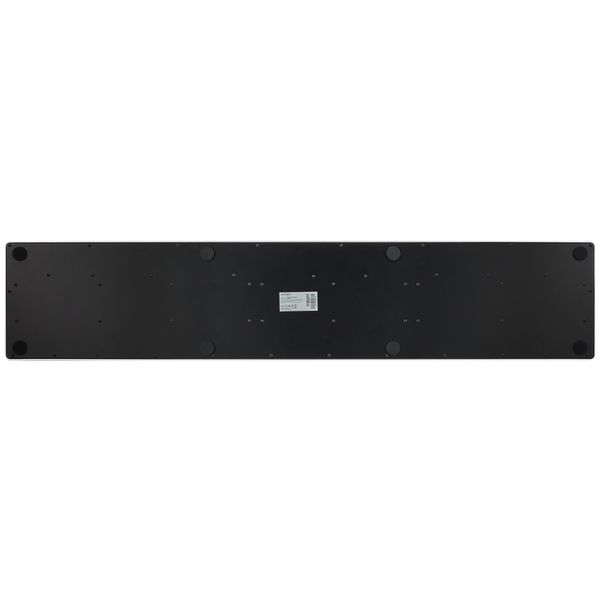
  • Wymiary (sz. x wy. x gł.): 1258 x 88 x 255 mm
  • Waga: 8,2 kg
  • Kolor: biały
  • W zestawie: oprogramowanie Arturia Analog Lab, licencja Ableton Live Lite, licencja UVI Model D Piano oraz Native Instruments The Gentleman Pianos

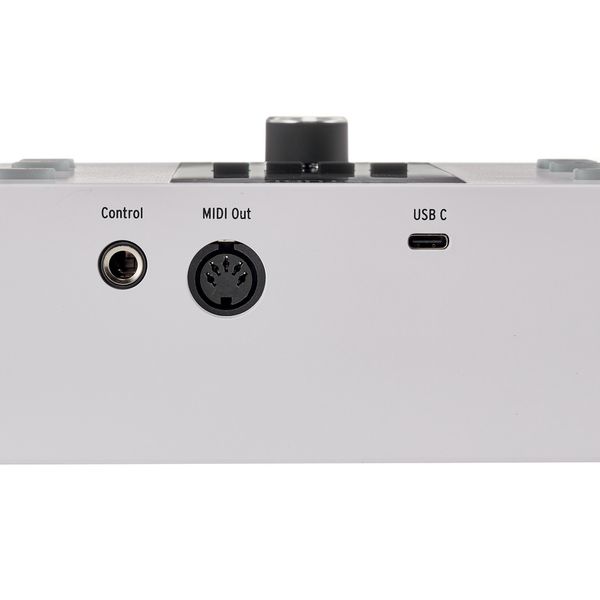
Złącza:

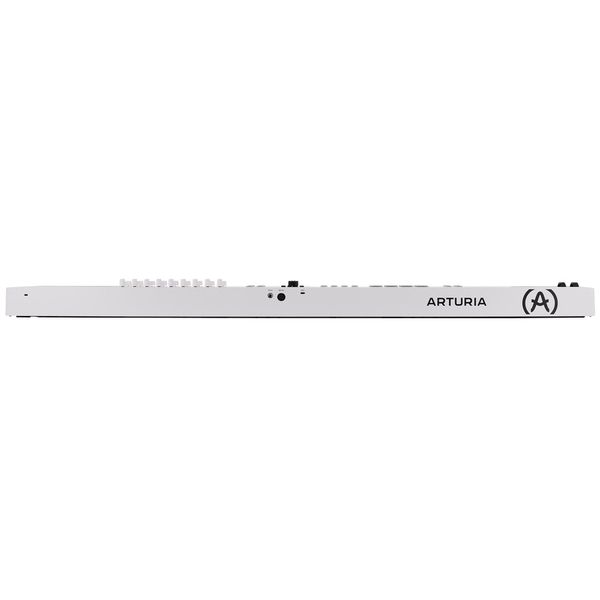
  • Wejście Control Pedal (6,3 mm wtyczka jack)
  • Wyjście MIDI (5-pin DIN)
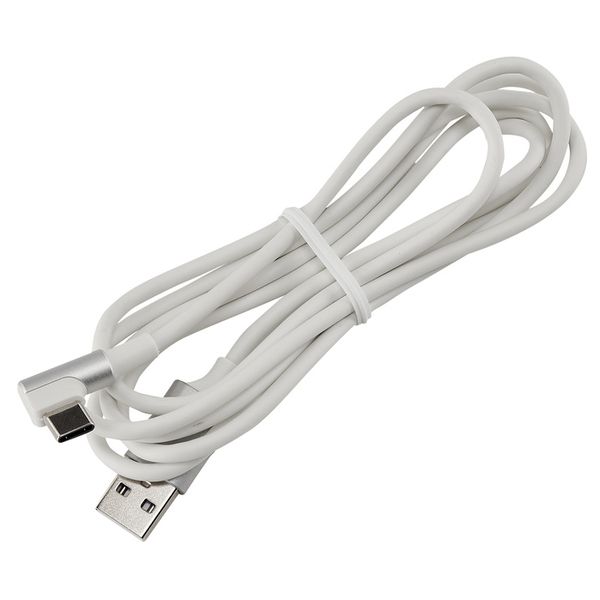
  • Złącze USB-C (przesyła zasilanie oraz dane MIDI i sterujące)
  • Produkt dostępny od Luty 2024
  • Numer artykułu 586181
  • Jednostka sprzedaży 1 szt.
  • Number of Keys 88
  • Hammer Action Keys No
  • Aftertouch No
  • Split Zones 1
  • Layer function No
  • Pitch Bend / Modulation Yes
  • Rotary Encoder 9
  • Fader (Amount) 9
  • Pads 8
  • Display Yes
  • MIDI interface 1x Out
  • Sustain Pedal Connection Yes
  • USB-port Yes
  • Mains Operation No
  • Battery Operation No
  • Bus-Powered Yes
  • Width in mm 1258
  • Height in mm 88
  • Depth in mm 255
  • Weight in kg 8,2 kg
  • Speacial Features incl. Arturia Analog Lab Software, Ableton Live Lite Licence, UVI Model D Piano Licence and Native Instruments The Gentleman Pianos
1 499 zł
Ceny z podatkiem VAT
Krótki czas oczekiwania (zazwyczaj 2-5 dni)
1

17 Oceny klientów

4.9 / 5

obsługa

właściwości

wykończenie

7 Opinie

A
Drzwi do świata możliwość
Azzinoth 26.12.2025
Ten sprzęt otworzył mi tyle dróg do tworzenia muzyki w zaciszu domowym, że nie da się tego ubrać w słowa. Przepięknie wykonany, jakościowy i z dobrym wsparciem producenta. Idealnie współgra z Abletonem Live.
obsługa
właściwości
wykończenie
0
0
Zgłoś nadużycie

Zgłoś nadużycie

google translate gb
Wystąpił błąd. Proszę spróbować później.
KA
One of the budget friendly professional midi keyboards you can find!
Kwame Akumiah 07.12.2024
As a professional musician who gigs every weekend, it's very difficult to rely on Midi keyboards because of how devastating wear and tear can affect the durability and strength of the keyboard. But I can say that the Keylab essential 88 MK3 midi Keyboard check all the boxes for me. The solid build and interactive interface makes it more efficient to work on the go. The keybed does not feel cheap and it's semi-weighted KEYS, makes it easy for both piano and auxiliary touches. It's a huge bargain and a win-win for me!
obsługa
właściwości
wykończenie
3
0
Zgłoś nadużycie

Zgłoś nadużycie

google translate gb
Wystąpił błąd. Proszę spróbować później.
E
One of the best midi keyboards
EmiD 11.09.2025
Great feeling, love the weighted keys seems really sturdy and easy to use.
obsługa
właściwości
wykończenie
0
0
Zgłoś nadużycie

Zgłoś nadużycie

google translate de
Wystąpił błąd. Proszę spróbować później.
O
Wenn es komplett eingerichtet ist, dann gut
Oli_the_one 12.07.2024
Die Einrichtung ist bisschen umfangreicher. Aber wenn es mal alles eingerichtet ist dann ists gut.
Hier mal paar Tips zur Einrichtung.
Man wird ja auf der Arturia Seite duchgeleitet was alles zu tun ist.
Registrierung, Midi Treiber Installation, Midi Control Center Installation, evtl SoftSynth installation, DAW Integration. Bei der DAW Integrations gibts für alle mögliche DAWs Erklärvideos. Allerdings wird hier nur die Verwendung erklärt und nicht die noch notwendige Einrichtung in der DAW. In meinem Fall war das Cubase. Hier muss man das Arturia Cubase Script im Midi Remote Center in Cubase noch importieren. Dass das Keyboard aber dann auch noch mit Analog Lab funktioniert muss man direkt im Analog Lab auf das blaue Zahnrad oben rechts gehen und im Midi-Reiter noch explizit Essential 88 mk3 auswählen. Erst dann funtioniert die Steuerung mit Analog Lab und auch anderen SoftSynths dass der Name der Instrumente im Keyboard Display angezeigt wird.
Unter dem DAW Integrationsvideo ist ein Link der auf das Script verweist. Ist ein Zip das man runterladen muss.
Aber besser direkt auf die arturia Keylab Essential 88 mk3 Seite gehen und dort in den Reiter Resources.
Weil wenn es dumm läuft kommt man über den Link unterhalb des DAW Erklärvideos auf die Version mit 61 oder 49 Tasten.
Wie gesagt wenn alles richtig eingerichtet ist funtioniert es auch vernünftig. Arturia hätte in dem DAW Erklärvideo auch gleich erklären können was man in der DAW noch einstellen muss.
Insgesamt bin ich zufrieden weil auch die Klaviatur einen sehr guten Eindruck macht. Was ich mir noch gewünscht hätte wär dass man sich die Anschlagsdynamik noch konfigurieren kann. Ich habe mir auch noch einen usb c switch off bei Amazon bestellt da man das Keyboard nicht ausschalten kann. Es zieht auch Strom wenn der PC aus ist. Geht aber in Standby irgendwann. Mit dem usb c switch off kann man das unterbinden. Evtl kann man das im Bios vom PC einstellen aber für mein Motu M4 möchte ich das nicht. Darum nur per switch fürs Keyboard.
Ich hoff ich konnte einigen bei den Startschwierigkeiten helfen da wenns mal korrekt eingerichtet auch echt ein gutes Midi Keyboard ist.
ERGÄNZUNG:
Leider funktioniert der Switch nicht den ich habe. Die Daten werden nicht richtig übermittelt. Die DAW wird nicht erkannt. Ist wohl nur ein Power Switch.
Falls mal die Kommunikation zum Analog Lab nicht funktioniert am besten Rechner neu starten und dann das Midi Control Center starten und dann Cubase. So ganz sicher bin ich mir nicht woran es liegt dass manchmal die Analog Lab Verbindung nicht richtig funktioniert.
Muss Arturia vielleicht noch mit Upgrades im Midi Control Center nachbessern.
Die Anschlagsdynamik kann man im Midi Control Center bei Velocity Curves einstellen (Linear,Logarithmisch,Exponentiell,Fixed)
obsługa
właściwości
wykończenie
25
1
Zgłoś nadużycie

Zgłoś nadużycie