Do treści strony

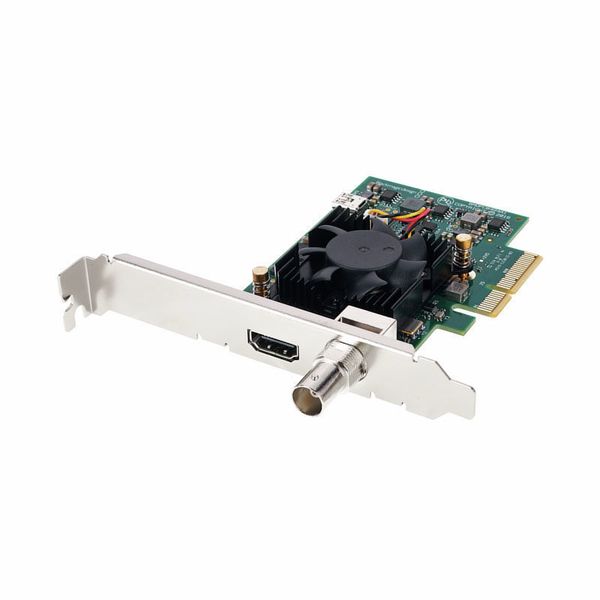
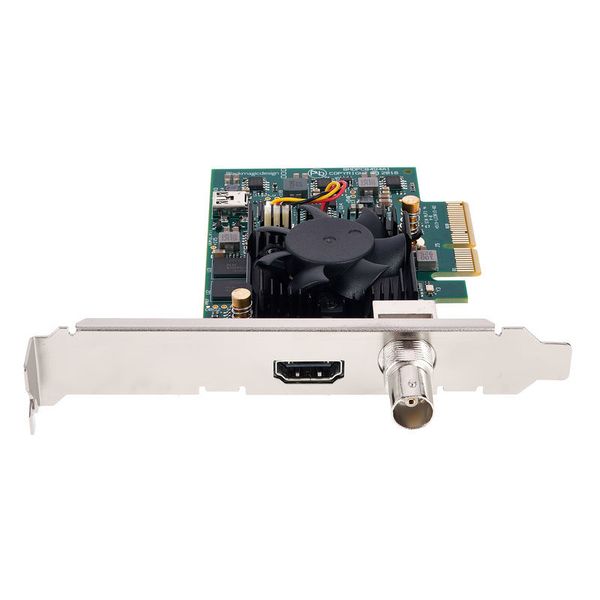
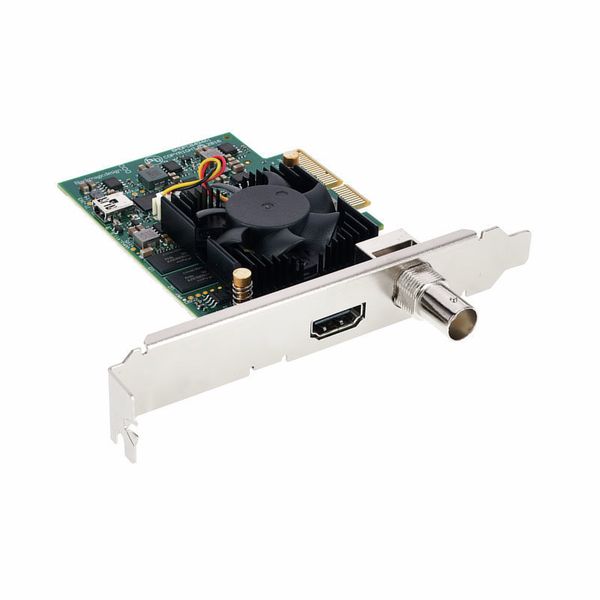
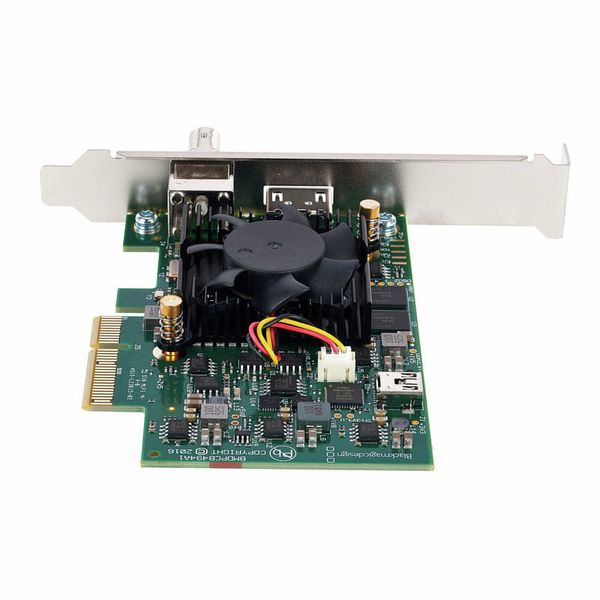
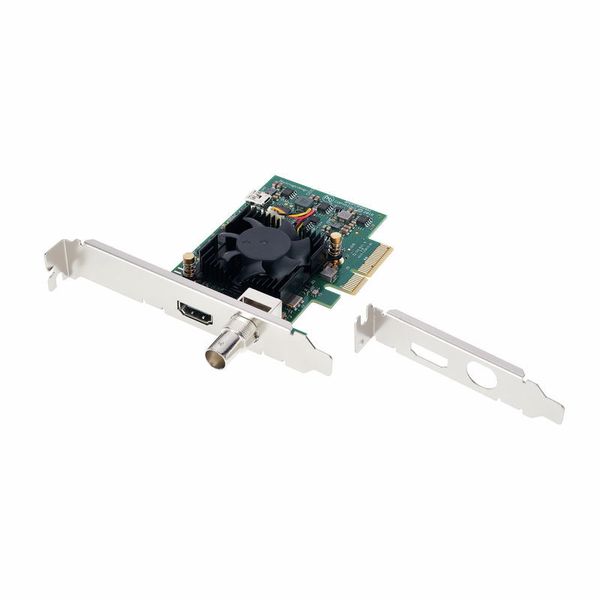
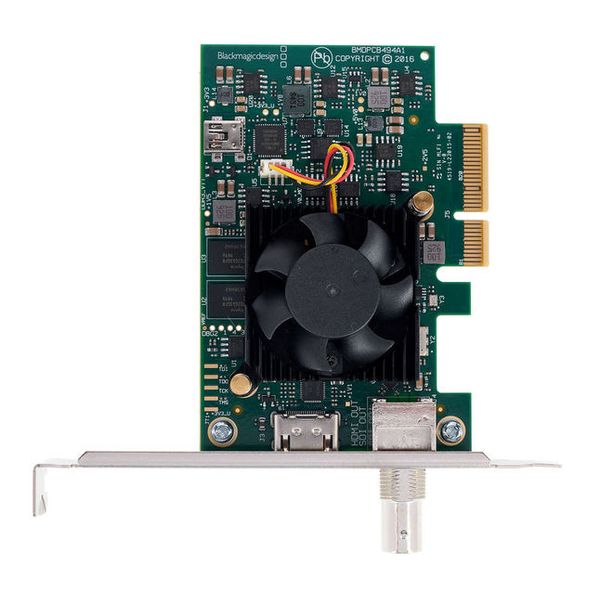
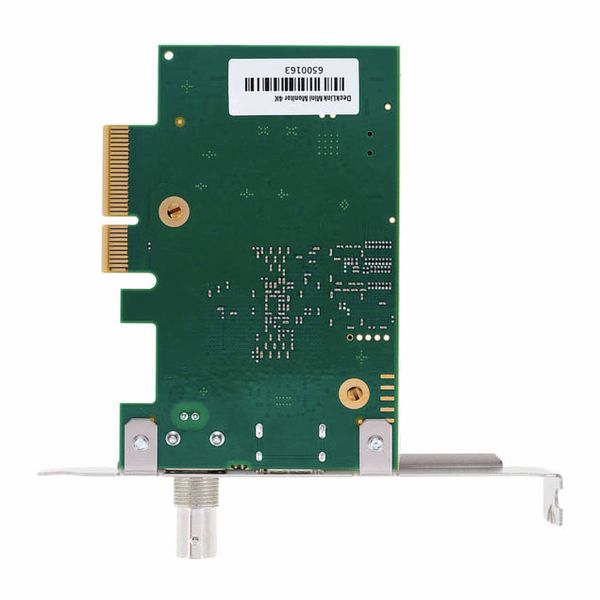
Blackmagic Design DeckLink Mini Monitor 4K

4.7 na 5 gwiazdek z 16 ocen klientów

PCI Express Playback Card

  • Low-profile PCI Express playback card with 6G-SDI and the latest HDMI 2.0a connectors
  • For controlling all formats up to 2160p/30 from the computer
  • SDI and HDMI outputs can be connected to any TV or monitor
  • All video formats are automatically detected and switched accordingly
  • HDR playback and metadata transfer via HDMI
  • Blackmagic Desktop Video SDK for Mac OS, Windows and Linux lets you create your own customised playback solutions
  • Physical installation: PCI Express 4 Lane Generation 2, compatible with 4-, 8- and 16-lane PCI Express slots on Mac OS, Windows and Linux. Mac OS systems require a Mac Pro computer with PCI Express slots. Please see the support pages for full system requirements.
  • Software included: Media Express, Disk Speed Test, LiveKey, Blackmagic Desktop Video Utility and Blackmagic drivers on Mac OS and Windows, Media Express, Blackmagic Desktop Video Utility and Blackmagic drivers on Linux.

Connections:

  • SDI video outputs: 1 connection for 10-bit SD/HD/Ultra HD, switchable.
  • SDI audio outputs: 16 channels embedded in SD, HD, Ultra HD
  • HDMI video outputs: 1 HDMI 2.0a connector
  • HDMI audio outputs: 8 channels embedded in SD, HD, Ultra HD
  • Computer interface: PCI Express with 4 lanes Generation 2, compatible with 4-, 8- and 16-lane PCI Express slots
  • Produkt dostępny od Marzec 2020
  • Numer artykułu 490345
  • Jednostka sprzedaży 1 szt.
822 zł
Ceny z podatkiem VAT
Dostępny w magazynie
1

16 Oceny klientów

4.7 / 5

jakość obrazu/dźwięku

wykończenie

9 Opinie

google translate gb
Wystąpił błąd. Proszę spróbować później.
a
The missing link for accurate color grading
auteur 23.12.2025
I bought this to finally stop guessing if the colors I see in DaVinci Resolve are accurate. If you are starting out as a colorist, you quickly learn that you can't trust your GPU output. This card solves that immediately.

I use it to send a clean 10-bit signal via HDMI to my client monitor, and the difference in gradients and shadow detail is huge compared to my graphics card. Installation was super easy (Windows 10 recognizes it instantly), and it runs completely silent since it has no fan.

Important note: It tops out at 4K 30fps. For me, working on short films and music videos at 24fps or 25fps, this is perfect. If you need to monitor 60fps gaming footage in 4K, you'll need a more expensive card. But for standard post-production? This is the best value for money you can find.

Pros:
True 10-bit playback for a budget price
Silent operation (passive cooling)
Includes both full-size and low-profile brackets

Cons:
Max 30fps at 4K (60fps is only supported in HD)
Playback only (no recording inputs)
jakość obrazu/dźwięku
wykończenie
1
0
Zgłoś nadużycie

Zgłoś nadużycie

google translate gb
Wystąpił błąd. Proszę spróbować później.
CF
Does What It Should
Clint F 16.05.2023
Does what it should. I have it installed in a OWC thunderbolt enclosure hooked up to my Mac Studio which feeds a LG OLED 48".

Works perfectly.

Has an SDI out too which can feed into a scopes unit or another monitor with an SDI in.
jakość obrazu/dźwięku
wykończenie
0
0
Zgłoś nadużycie

Zgłoś nadużycie

google translate gb
Wystąpił błąd. Proszę spróbować później.
c
colorist standard
colorista 21.06.2021
blackmagic quality, does its job perfectly, 4k hdr rec2020 works with resolve, premiere, avidmediacomposer, assimilate ... etc ....
jakość obrazu/dźwięku
wykończenie
0
0
Zgłoś nadużycie

Zgłoś nadużycie

google translate de
Wystąpił błąd. Proszę spróbować później.
D
Cooles Teil - aber Achtung für den Ton mit Avid MC
Documan 10.09.2021
Hatte mir das Teil gekauft, da ich etwas gesucht habe, damit ich einen weiteren Monitor für das Videosignal anschließen kann, wo das Preisleistungsverhältnis und die Qualität stimmt. Also rein in den Mac, software download, einstellen - funktioniert super!

ABER: kein Ton mehr über die mein USB ton i/o interface! obwohl angepriesen wird, dass dies mit Avid Mediacomposer funktioniert, muss man dazu sagen, dass Avid ab dem Zeitpunkt nur noch über die Karte den Ton rausschickt, dies ist anscheinend nicht zu ändern. Nur raus währe ja nicht so wild wenn man einen HDMI ton splitter dazwischen hängt, aber ich brauche auch einen Ton eingang in mein System, dies geht leider nicht. Jedes mal wenn ich Tonaufnahmen habe die pci karte ausbauen... no way. daher geht das Teil zurück und ich muss mir was anderes überlegen.
jakość obrazu/dźwięku
wykończenie
1
0
Zgłoś nadużycie

Zgłoś nadużycie