Do treści strony

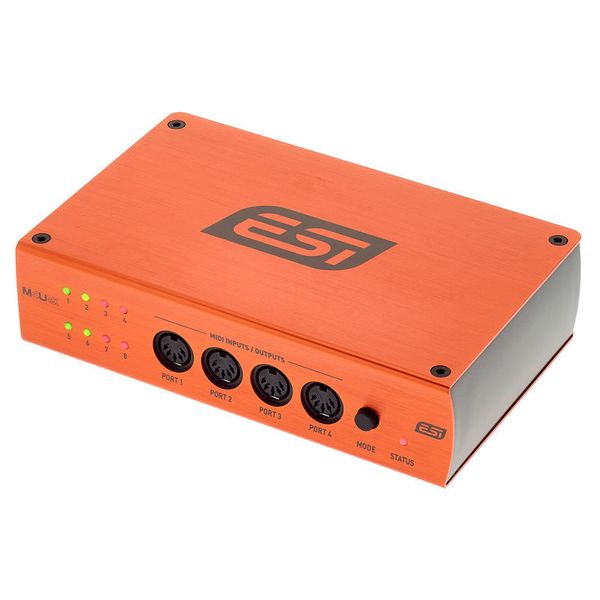
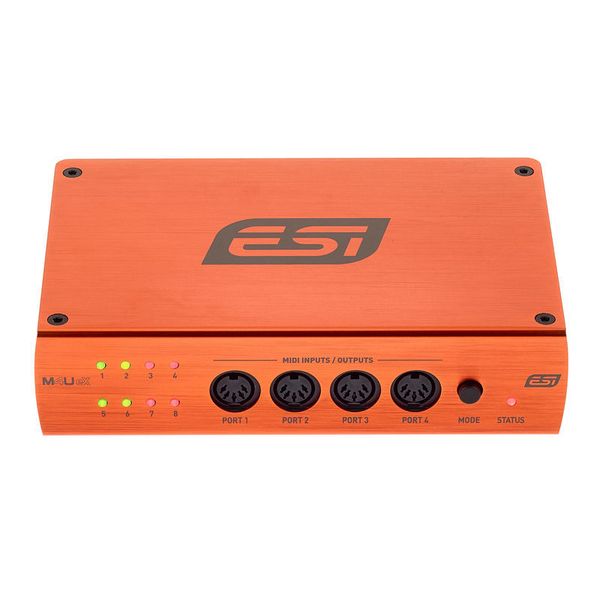
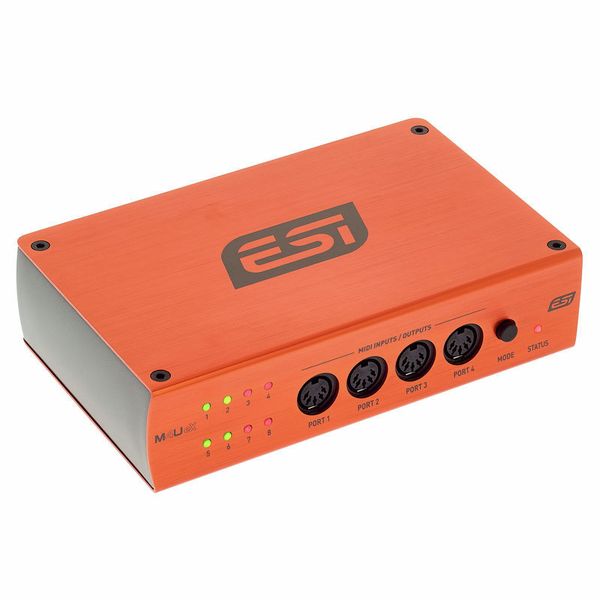
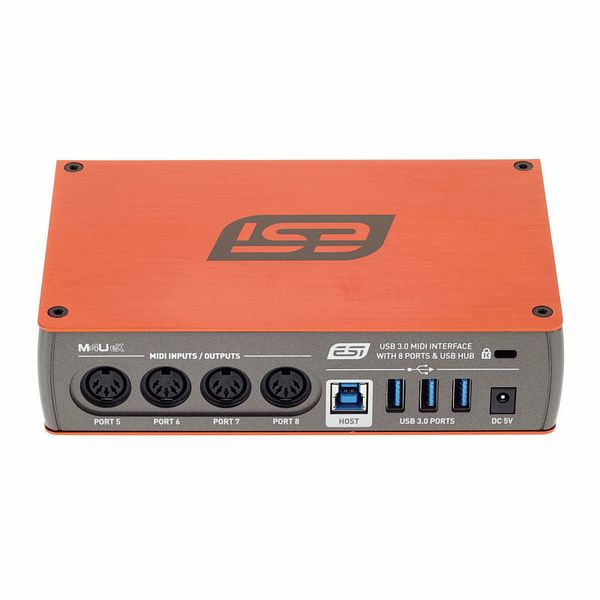
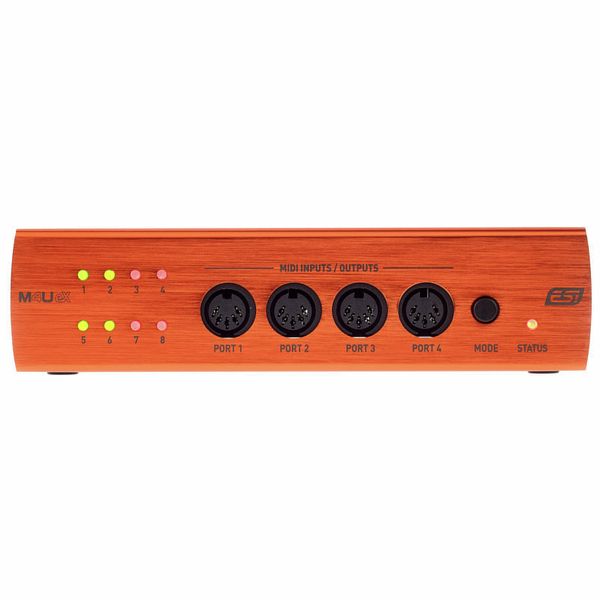
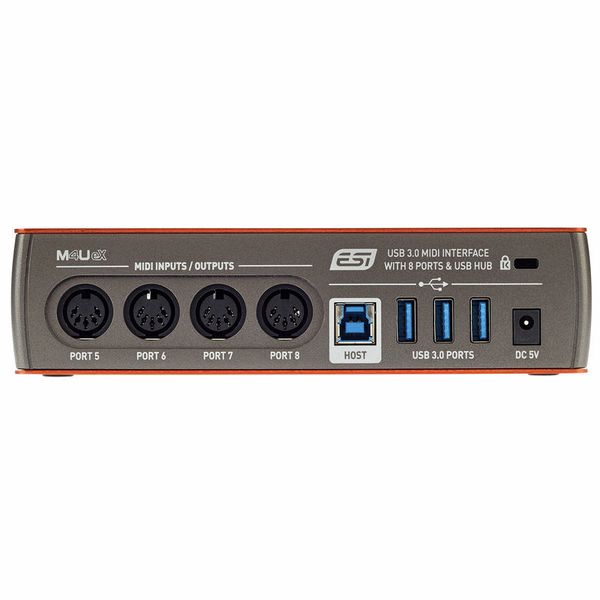
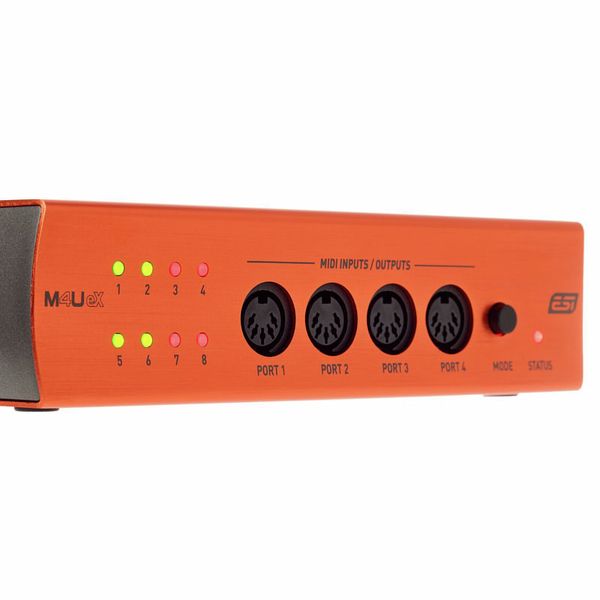
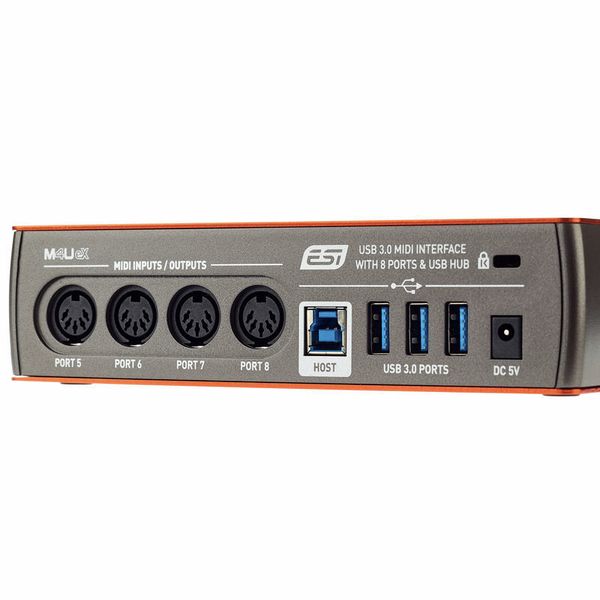
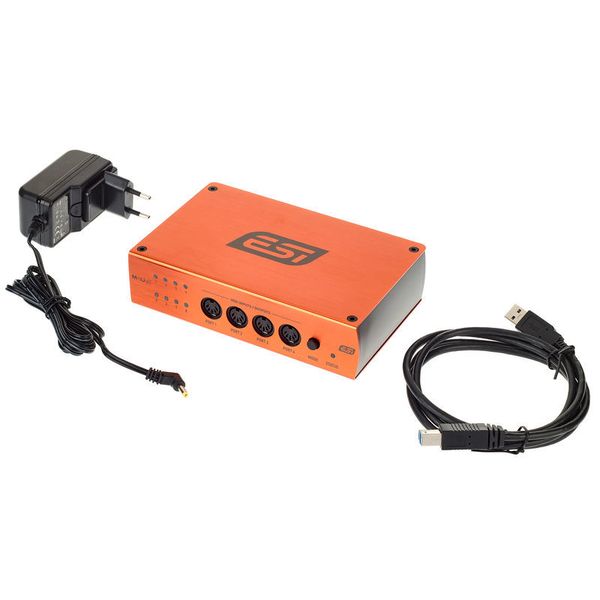
USB 3.0 MIDI Interface

  • With a total of 8 MIDI ports
  • Each port can be used as input or output
  • Automatic input and output detection
  • Multicoloured LEDs for status display
  • Additional functions allow the interface to be used as a thru or merge box
  • Powered via USB or via the AC adapter included
  • Class-compliant - without drivers under Windows 7, Windows 8.1, Windows 10 and Mac OSX (32/64 Bit)
  • Dimensions: 175 x 120 x 45 mm
  • Produkt dostępny od Listopad 2018
  • Numer artykułu 451849
  • Jednostka sprzedaży 1 szt.
  • Amount Of Inputs 8
  • Amount Of Outputs 8
  • SMPTE Timecode No
829 zł
Ceny z podatkiem VAT
Dostępny w magazynie
1

103 Oceny klientów

4.6 / 5

obsługa

właściwości

wykończenie

73 Opinie

TM
Mega sprzęt za dobre pieniądze
Tomasz Madzia 03.03.2025
Jako muzyk domowym studio szukałem solidnego interfejsu MIDI do obsługi kilku urządzeń jednocześnie. ESI M4U eX od razu zrobił dobre wrażenie – metalowa obudowa, kompaktowy rozmiar i brak potrzeby zewnętrznego zasilacza to duże plusy bo niweluje to konieczność szukania kolejnych gniazdek

Najważniejsze jest jednak to, że oferuje 4 wejścia i 4 wyjścia MIDI, które można przełączać co daje dużą elastyczność w podłączaniu sprzętu. Synchronizacja jest stabilna, nie ma opóźnień, a urządzenie działa ma zasadzie plug and play. Dodatkowo może pracować w trybie stand-alone, co pozwala używać go jako MIDI thru bez komputera.

Jeśli ktoś potrzebuje niezawodnego i niedrogiego interfejsu MIDI do domowego studia, to będzie idealny wybór. W zasadzie nie doszukałem się minusów :)
obsługa
właściwości
wykończenie
0
0
Zgłoś nadużycie

Zgłoś nadużycie

D
So far so good, the USB interface/hub I needed
DenisEndzt 01.09.2024
Nothing to complain yet, been using it (not much though) for 3 months now
obsługa
właściwości
wykończenie
0
0
Zgłoś nadużycie

Zgłoś nadużycie

google translate gb
Wystąpił błąd. Proszę spróbować później.
J
Nice overall, too bad the standalone doesn't have more features.
JakubH 25.06.2021
The build quality seems excelent, also it looks good.
It has a lot of ports so I am quite happy there.

I will be using the standalone feature most of the time.
It has 3 modes that you can cycle through with the button.
1/7 mode makes sense (1 IN to 7 OUTs).
7/1 mode is also fine (7 INs to 1 OUT).

But what the hell is "pass-through"?
4 INs to 4 OUTs? Well, not quite :-(
The manual says it will route 1 to 3, 2 to 4, 5 to 7 and 6 to 8.
How is this different to just plugging the cable directly where you want it.

Or is this like a MIDI patchbay feature? Except that ports 1-4 are on the front of the unit so you'll have 2 IN and 2 OUT on each side.
I thought that this would be like a hybrid between 1/7 and 7/1. Not exacly sure if that would be somehow hard to implement or whatever, but having a patchbay feature seems useless to me.

I mainly wanted a MIDI merge device so this will be fine I guess.

UPDATE: I ended up returning the unit and bought a Blokas MIDIHub instead and it's all I ever wanted and more ❤ (google it - it's awesome).
obsługa
właściwości
wykończenie
8
0
Zgłoś nadużycie

Zgłoś nadużycie

google translate gb
Wystąpił błąd. Proszę spróbować później.
R
Works best without(!) the ESI Windows-driver
RobSt 14.11.2022
Beware: if you use the ESI driver under Windows 10, it won't send MIDI program changes via Ableton. Deinstalling the driver and letting Windows install it 'natively' (thus via plug and play), solves this problem.

Now that this is solved, thanks to ESI's help via email, I've updated my review (again). All good!
obsługa
właściwości
wykończenie
2
0
Zgłoś nadużycie

Zgłoś nadużycie